
Is Blender Good for 3D Animation? A Deep Dive into the Free Powerhouse
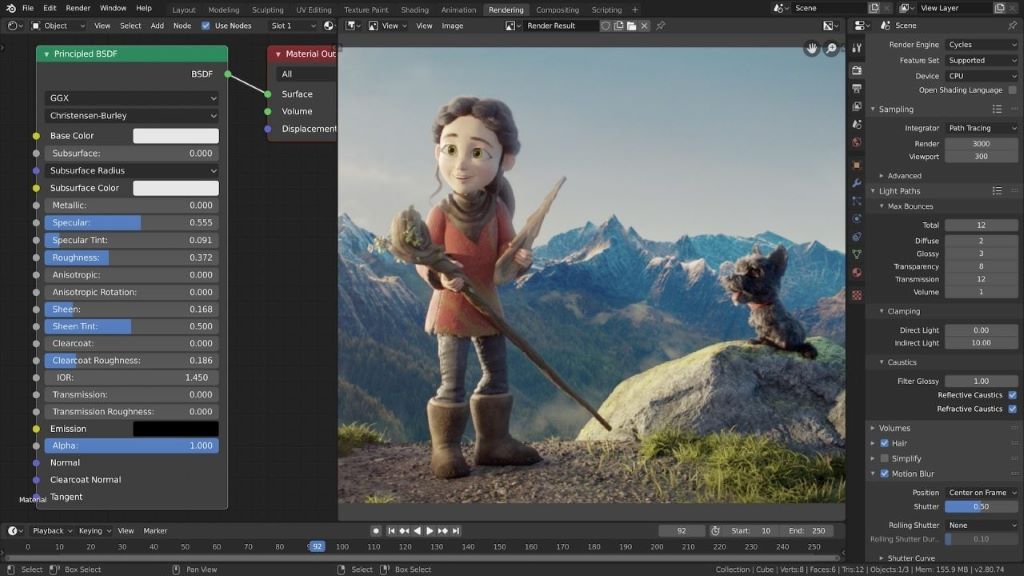
Blender, the open-source 3D creation suite, has dramatically transformed the landscape of digital content creation. Once considered a niche tool, it has surged in popularity, becoming a formidable contender against industry giants. A critical question, especially for aspiring animators and studios alike, is: Is Blender good for 3D animation? The resounding answer, backed by a growing body of evidence, is a resounding yes. Let’s delve into the specifics, exploring Blender’s capabilities, its strengths, and how it stacks up against commercial alternatives.
A Comprehensive Toolset for Animation:
Blender’s animation capabilities are remarkably comprehensive. It offers a robust armature system for character rigging, enabling complex and lifelike movements. The non-linear animation (NLA) editor allows for precise control over animation sequences, making it easier to manage and refine actions. The graph editor provides granular control over keyframe interpolation, ensuring smooth and polished animations. Furthermore, Blender supports shape keys for facial animation and morphing, essential for character expressiveness. The recent advancements in its grease pencil tools have also opened up exciting possibilities for 2D animation within a 3D environment, blurring the lines between traditional and digital animation.
Rigging and Character Animation: A Core Strength:
Rigging, the process of creating a digital skeleton and attaching it to a 3D model, is crucial for character animation. Blender’s rigging tools are highly flexible and powerful. Its armature system allows for the creation of intricate bone structures, enabling animators to define complex deformation and control points. Weight painting, the process of assigning influence to bones, is intuitive and efficient. Constraints and drivers offer advanced control over bone movements, allowing for automation and procedural animation. The availability of numerous rigging add-ons and tutorials further enhances Blender’s capabilities in this area, making it a powerful platform for creating realistic and expressive characters.
The Power of the Non-Linear Animation (NLA) Editor:
The NLA editor is a game-changer for animation workflows. It allows animators to organize and layer animation clips, making it easy to create complex sequences and iterate on animation variations. This non-destructive approach allows for experimentation without permanently altering the original animation data. Animators can blend, trim, and loop animation clips, creating sophisticated and dynamic movements. The NLA editor is particularly useful for creating reusable animation cycles, such as walking and running, and for managing large-scale animation projects.
Graph Editor and Keyframe Control: Refining the Details:
The graph editor offers precise control over keyframe interpolation, allowing animators to fine-tune the timing and smoothness of their animations. This tool is essential for creating polished and professional-looking animations. Animators can adjust the curves of keyframes, influencing the acceleration and deceleration of movements. This level of control is crucial for achieving realistic and expressive animations. The graph editor also allows for visual analysis of animation data, enabling animators to identify and correct any inconsistencies or errors.
Grease Pencil: Bridging 2D and 3D:
Blender’s Grease Pencil toolset has evolved significantly, becoming a powerful platform for 2D animation within a 3D environment. Animators can draw directly in the 3D viewport, creating expressive and hand-drawn animations. Grease Pencil supports layers, keyframes, and effects, allowing for the creation of complex and stylized animations. This toolset is particularly useful for creating storyboard animatics, motion graphics, and experimental animation projects. The integration of 2D animation within a 3D environment opens up new creative possibilities, blurring the lines between traditional and digital animation.
Rendering and Output: High-Quality Results:
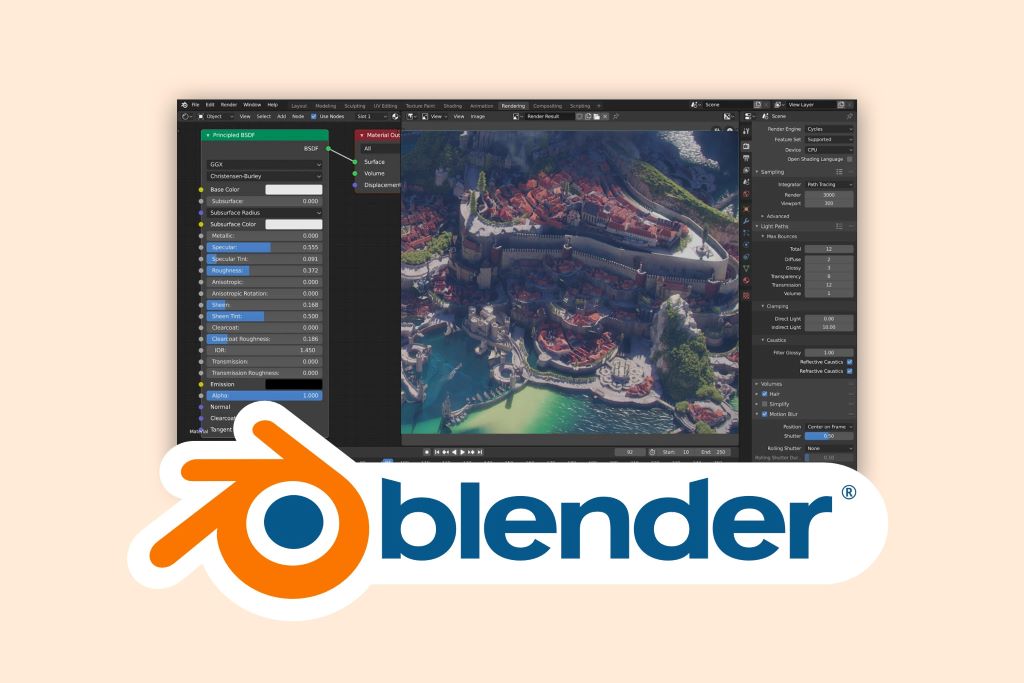
Blender’s Cycles rendering engine is a powerful and versatile tool for creating photorealistic images and animations. Cycles uses a path-tracing algorithm, simulating the behavior of light to produce accurate and lifelike results. The Eevee real-time render engine allows for fast previews and interactive rendering, enabling animators to iterate quickly and efficiently. Blender supports a wide range of output formats, including image sequences and video files, making it easy to export animations for various platforms.
Community and Resources: A Thriving Ecosystem:
Blender’s open-source nature has fostered a vibrant and supportive community. This community provides a wealth of resources, including tutorials, add-ons, and support forums. The Blender Foundation and its development team are constantly improving the software, releasing new features and updates regularly. The availability of free resources and the active community make Blender an accessible and powerful platform for aspiring and professional animators alike. The constant development of plugins and addons by the community also expands the software’s capabilities, allowing for specialized workflows and creative solutions.
Cost-Effectiveness and Accessibility:
One of Blender’s most significant advantages is its cost-effectiveness. Being free and open-source, it eliminates the need for expensive software licenses, making it accessible to individuals and studios with limited budgets. This accessibility has democratized 3D animation, allowing more people to pursue their creative passions. The lack of licensing fees also allows studios to invest more resources in hardware, talent, and other aspects of production.
Industry Adoption and Professional Use:
Blender is increasingly being adopted by professional studios and filmmakers. Its capabilities and workflow have proven to be competitive with commercial alternatives. The open-source nature of Blender allows studios to customize and extend the software to meet their specific needs. The increasing number of successful projects created with Blender, including feature films, animated shorts, and video games, demonstrates its viability as a professional tool.
Comparison to Commercial Alternatives:
While commercial software like Maya and 3ds Max have long been industry standards, Blender is rapidly closing the gap. Blender’s comprehensive toolset, powerful rendering engine, and active community make it a viable alternative for many animation workflows. While commercial software may offer certain specialized features or industry-specific integrations, Blender’s versatility and cost-effectiveness make it a compelling choice for many animators.
The Learning Curve and User Interface:
Like any powerful 3D software, Blender has a learning curve. However, the availability of numerous tutorials and resources makes it easier to learn. The user interface has been significantly improved in recent versions, becoming more intuitive and user-friendly. The active community provides ample support and guidance for beginners.
People Also Ask (FAQs):
Q: Is Blender completely free to use?
A: Yes, Blender is completely free and open-source. You can download and use it for any purpose, including commercial projects, without paying any licensing fees.
Q: Can Blender be used for professional animation?
A: Absolutely. Blender is increasingly being used by professional studios and filmmakers for a wide range of animation projects, including feature films, animated shorts, and video games.
Q: Is Blender difficult to learn?
A: Like any powerful 3D software, Blender has a learning curve. However, the availability of numerous tutorials and resources makes it easier to learn.
Q: What are the system requirements for Blender?
A: Blender can run on a wide range of hardware, but a powerful computer with a dedicated graphics card is recommended for complex animation projects.
Q: Does Blender support motion capture?
A: Yes, Blender supports motion capture data, allowing animators to integrate motion capture into their animation workflows.
Q: Are there any good resources for learning Blender animation?
A: Yes, there are numerous resources available, including tutorials on YouTube, online courses, and Blender’s official documentation.
Q: Can Blender be used for game animation?
A: Yes, Blender is widely used for creating game animations, including character animations, environmental animations, and cutscenes.
Conclusion:
Blender has emerged as a powerful and versatile tool for 3D animation, offering a comprehensive feature set and a thriving community. Its cost-effectiveness, accessibility, and increasing industry adoption make it a compelling choice for aspiring and professional animators alike. While commercial software may offer certain specialized features, Blender’s capabilities and flexibility make it a viable alternative for a wide range of animation workflows. The constant development and improvement of Blender ensure its continued relevance and growth in the 3D animation landscape. Ultimately, the question isn’t just “Is Blender good for 3D animation?” but rather “How far can you take your creativity with Blender?” The answer, as many animators are discovering, is limitless.
Read More: 10 branches of graphic design that you should know
Sorry, the comment form is closed at this time.