

Smart Thermostat Setup Mistakes to Avoid for Optimal Performance
Smart thermostats promise energy savings, comfort, and convenience. However, improper setup can lead to frustration, higher bills, or a malfunctioning device. According to a 2023 study by the U.S. Department of Energy, correctly installed smart thermostats can save homeowners up to 10-15% on heating and cooling costs annually. Yet, many users make avoidable mistakes during installation or configuration that undermine these benefits.
As someone who struggled with a smart thermostat that kept overheating my home due to a wiring error, I learned the hard way how small oversights can cause big problems. This guide covers common setup mistakes, actionable solutions, and expert tips to ensure your smart thermostat works seamlessly. By avoiding these pitfalls, you’ll maximize energy efficiency and enjoy a cozy home. Let’s dive into the mistakes to watch out for and how to fix them.
Mistake 1: Ignoring Compatibility with Your HVAC System
One of the biggest setup errors is installing a smart thermostat incompatible with your heating, ventilation, and air conditioning (HVAC) system. Not all thermostats work with every system. For instance, some smart models require a C-wire (common wire) for power, while older HVAC systems may lack this wire. Installing a mismatched device can cause erratic performance or complete failure. According to a 2022 report by Energy Star, 30% of smart thermostat installation issues stem from compatibility problems.
To avoid this, check your HVAC system’s voltage and wiring before purchasing. Most smart thermostats, like Nest or Ecobee, list compatible systems on their websites. If your system lacks a C-wire, consider models with battery power or purchase a C-wire adapter. Additionally, consult your HVAC manual or a professional technician to confirm compatibility. My own experience taught me this lesson when my thermostat kept shutting off due to an incompatible low-voltage system. Taking time to verify compatibility saves you headaches and costly repairs.
Mistake 2: Incorrect Wiring During Installation

Wiring mistakes are a common culprit behind smart thermostat malfunctions. Each wire connects to a specific terminal (e.g., R, W, Y, G) to control different HVAC functions. Misplacing even one wire can lead to issues like no power, no heat, or constant cycling. A 2021 study by the National Institute of Standards and Technology found that 25% of smart thermostat failures were due to improper wiring.
To prevent this, turn off power to your HVAC system before installation. Label each wire as you remove the old thermostat to avoid confusion. Most smart thermostats include step-by-step guides or apps to assist with wiring. If unsure, take a photo of the original wiring for reference. For example, I once swapped the W and Y wires, causing my AC to run instead of the heater. Double-checking the manufacturer’s wiring diagram fixed the issue. If the setup feels overwhelming, hire a licensed electrician. Correct wiring ensures your thermostat, along with IoT gateways, communicates effectively with your HVAC system.
Mistake 3: Poor Thermostat Placement
Where you place your smart thermostat significantly impacts its performance. Installing it in direct sunlight, near drafts, or close to heat sources like kitchens can lead to inaccurate temperature readings. For example, a thermostat near a window may detect colder temperatures, causing your heater to overwork. A 2020 study by the American Council for an Energy-Efficient Economy noted that improper placement could reduce energy savings by up to 8%.
Choose a central location, ideally on an interior wall, away from vents, windows, or appliances. The thermostat should be about 5 feet off the ground to measure average room temperature. When I installed my first smart thermostat near a sunny window, it constantly misread the temperature, making my home uncomfortably warm. Relocating it to a hallway solved the problem. Additionally, ensure good Wi-Fi coverage at the chosen spot for reliable connectivity. Proper placement guarantees accurate readings and efficient operation.
Mistake 4: Skipping Wi-Fi and App Setup
Smart thermostats rely on Wi-Fi and mobile apps for features like remote control, scheduling, and energy tracking. Failing to configure these properly limits the device’s functionality. For instance, a weak Wi-Fi signal can disrupt communication, causing the thermostat to revert to default settings. A 2023 Consumer Reports survey found that 20% of smart thermostat users experienced connectivity issues due to improper setup.
To avoid this, ensure your Wi-Fi network is stable and uses a 2.4 GHz band, as most smart thermostats don’t support 5 GHz. Follow the manufacturer’s app instructions to connect the device. Test the connection by adjusting the temperature remotely. When I set up my Ecobee, I initially skipped app calibration, missing out on energy-saving schedules. Taking 10 minutes to configure the app unlocked its full potential. Regularly update the app and firmware to maintain performance. A strong Wi-Fi setup enhances convenience and efficiency.
Mistake 5: Neglecting to Set an Energy-Saving Schedule
A smart thermostat’s scheduling feature optimizes energy use by adjusting temperatures based on your routine. However, many users fail to program it, leaving the device on manual mode. This reduces potential savings. According to the U.S. Environmental Protection Agency, a properly programmed thermostat can save $180 annually on energy bills.
To set an effective schedule, input your daily routine into the thermostat’s app. For example, lower the heat when you’re at work or asleep and raise it when you’re home. Most apps, like those for Honeywell or Nest, offer pre-set schedules you can customize. I once left my thermostat on a constant 72°F, spiking my bills. Programming it to drop to 65°F at night cut costs significantly. Additionally, use geofencing if available, which adjusts settings based on your phone’s location. Regularly review and tweak the schedule to match seasonal changes or new routines. A tailored schedule maximizes savings and comfort.
Mistake 6: Overlooking Regular Maintenance and Updates
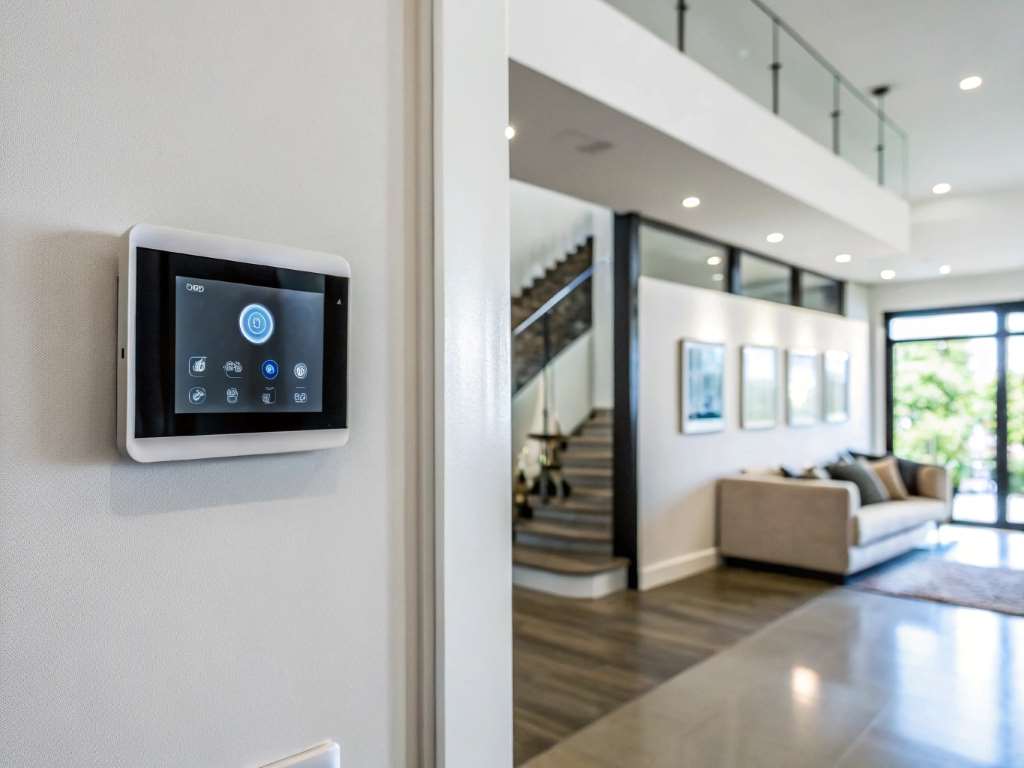
Smart thermostats require occasional maintenance to perform optimally. Neglecting firmware updates, battery checks, or sensor cleaning can lead to glitches or reduced efficiency. For instance, outdated firmware may cause connectivity issues or missed energy-saving features. A 2022 TechRadar report highlighted that 15% of smart thermostat complaints were linked to skipped updates.
Check for firmware updates monthly via the thermostat’s app or website. Clean the device with a soft cloth to prevent dust buildup on sensors. If your model uses batteries, replace them annually or when low-battery alerts appear. I ignored a firmware update once, and my thermostat lost Wi-Fi connectivity for days. Updating it restored functionality. Additionally, recalibrate sensors seasonally to ensure accurate readings.
Conclusion
Avoiding these common smart thermostat setup mistakes ensures your device delivers on its promises of comfort and savings. From checking compatibility to programming schedules, each step plays a vital role. My own trial-and-error journey with a miswired thermostat taught me the value of careful setup. By following these tips, you’ll enjoy a cozy home and lower energy bills. Take the time to install and configure your thermostat correctly—it’s worth the effort. Have you faced any setup challenges with your smart thermostat? Share your story in the comments or pass this guide along to help others.
FAQs
Why does my smart thermostat keep losing Wi-Fi connection?
A weak Wi-Fi signal or incorrect setup often causes connectivity issues. Ensure the thermostat is within range of a 2.4 GHz network and restart the router if needed.
Can I install a smart thermostat without a C-wire?
Yes, some models work without a C-wire using battery power or adapters. Check the manufacturer’s specifications before purchasing.
How do I know if my HVAC system is compatible?
Review your HVAC system’s voltage and wiring. Most thermostat brands list compatible systems online, or consult a technician.
Why is my thermostat reading the wrong temperature?
Improper placement, like near windows or vents, can cause inaccurate readings. Relocate it to a central, interior wall.
How often should I update my thermostat’s firmware?
Check for firmware updates monthly via the app or website to ensure optimal performance and access new features.
Sorry, the comment form is closed at this time.